Introduction: What is Linux scripting?
Linux scripting is a vital skill for any system administrator or developer who wants to unlock the full potential of the Linux operating system. With scripting, you can automate repetitive tasks, customize your environment, and improve productivity. In this post, we will explore the key aspects of Linux scripting that make it such a powerful tool.
Note: Linux scripts can be written in languages such as Bash, Python, Fish, Perl, Ruby, Lua, and Go. For now, let's look at the most common scripting language on Linux: Bash, the Bourne Again Shell.
Who uses Linux scripting?
While Linux scripting provides universal benefits, some roles and teams rely especially heavily on its power:
- DevOps engineers use scripting to automate and streamline infrastructure deployment and application delivery. Scripting enables consistency, reliability, and scalability.
- System administrators use it for server configuration, automation, monitoring, and efficient systems management at scale.
- Network engineers use scripting to configure devices, automate provisioning, gather metrics, and maintain performance.
- Security professionals employ scripts to audit systems, detect intrusions, identify vulnerabilities, and remediate security issues.
- Software developers use scripts to accelerate builds and tests, manage configuration, and deploy applications.
- QA test engineers use scripting for test setup, workload simulation, and automated UI and API testing.
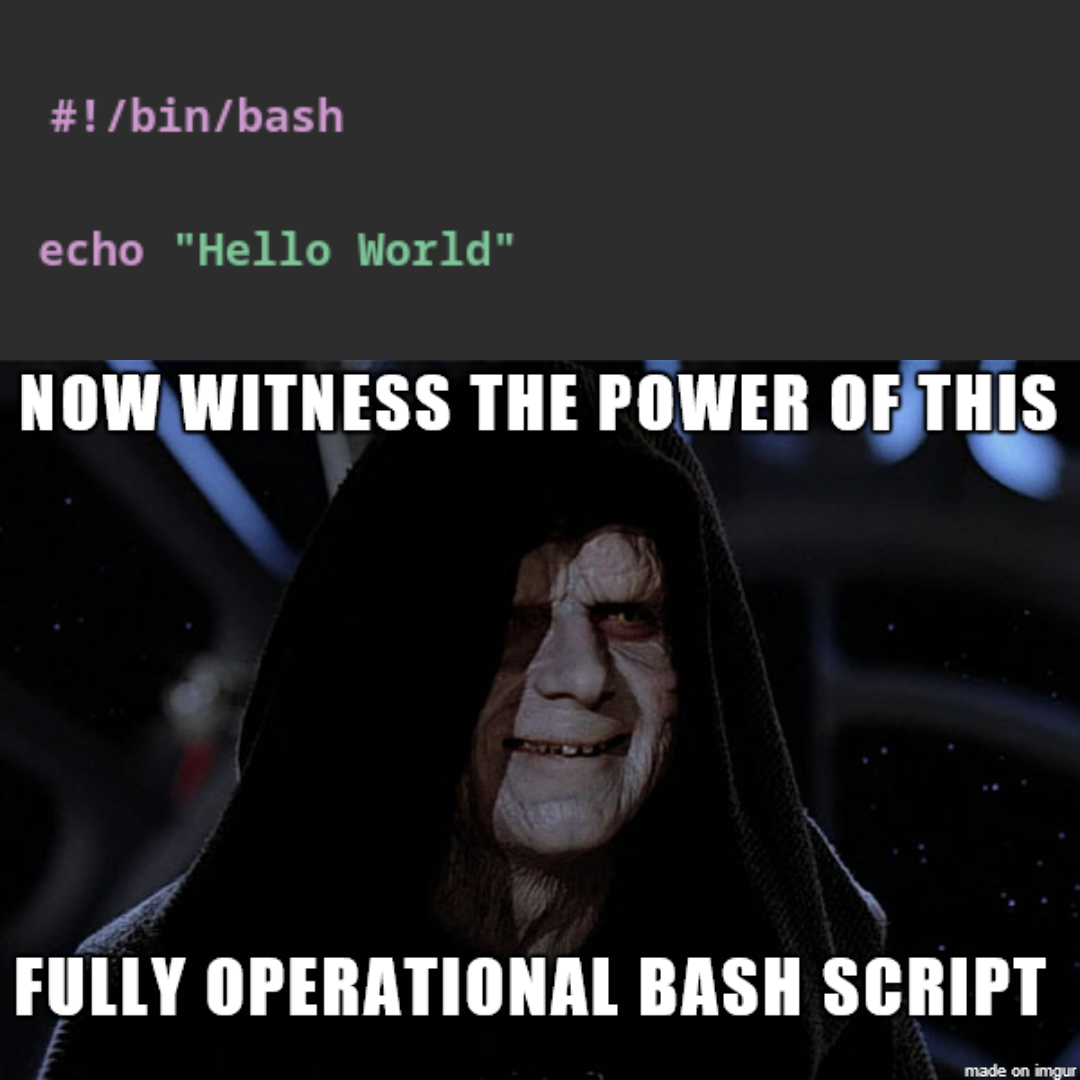
#!/bin/bash

# This is a simple Bash script to print "Hello World"
echo "Hello World!"
This simple script prints “Hello World!” when run. But Bash scripts can automate practically any task on Linux, including system administration, application deployment, and monitoring. They make it possible to automate work, customize systems, and glue Linux utilities together.
How Bash scripts work

File extension and shebang: Bash scripts commonly use the
.shextension. They begin with a shebang (#!) that specifies the path to the Bash interpreter.touch script.shComments: Comments begin with
#and are ignored when the script runs. They provide documentation and useful annotations.Command structure: A Bash script contains commands like those entered in a terminal. Bash executes them sequentially, line by line.
Common commands:
echoprints messages,readaccepts input, variables store data, andif,for, andwhilecontrol program flow. Commands such asls,cd,mkdir,pwd,date, andsleephandle files, system information, and execution timing.Execute permissions: A script must have its execute permission enabled before it can run as a program.
chmod +x script.sh
./script.sh
Power and benefits
Flexibility and customization
One of the primary advantages of scripting is its flexibility and ability to customize a system to suit your needs. You can automate complex tasks, create custom commands, and build tools that streamline your workflow. Whether you want to automate backups, perform maintenance, or deploy applications, scripting lets you tailor your Linux environment to work the way you need it to.
Automation and efficiency
Scripting is a game-changer for system administrators and developers. Scripts automate repetitive tasks that consume valuable time and effort. This can range from file renaming and batch processing to system monitoring and software deployment. Automation lets you focus on more important work while scripts handle routine operations.
Here is an example of a Bash script that automates deployment to Docker containers:
#!/bin/bash

# Define variables
IMAGE_NAME=my-app
CONTAINER_NAME=my-app-container
REGISTRY_URL=registry.hub.docker.com
SSH_USER=root
SSH_HOST=example.com
SSH_PORT=22
SSH_KEY=~/.ssh/id_rsa
REMOTE_DIR=/opt/my-app
REMOTE_SCRIPT=deploy.sh

# Build and push the Docker image
docker build -t $IMAGE_NAME .
docker push $REGISTRY_URL/$IMAGE_NAME

# Create a temporary remote deployment script
cat > $REMOTE_SCRIPT <<EOF
#!/bin/bash
docker pull $REGISTRY_URL/$IMAGE_NAME
docker stop $CONTAINER_NAME
docker rm $CONTAINER_NAME
docker run -d --name $CONTAINER_NAME -p 80:80 $IMAGE_NAME
EOF

# Copy and execute the deployment script
scp -i $SSH_KEY -P $SSH_PORT $REMOTE_SCRIPT $SSH_USER@$SSH_HOST:$REMOTE_DIR
ssh -i $SSH_KEY -p $SSH_PORT $SSH_USER@$SSH_HOST "cd $REMOTE_DIR && bash $REMOTE_SCRIPT"

# Remove the temporary script
rm $REMOTE_SCRIPT
This example assumes that Docker is installed locally and on the production server, and that SSH access to the production server is configured.
Extensibility and integration
Scripting integrates seamlessly with other tools and technologies. You can use the wide range of existing Linux commands, utilities, and libraries to enhance scripts and add functionality.
For example, you can call Python programs from Bash and use Python modules for tasks such as making HTTP requests, parsing JSON command output, or manipulating strings. Languages such as Bash, Python, and Perl can also interact with web services, databases, APIs, and other external resources. This makes it possible to create sophisticated scripts that work across systems and adapt to changing requirements.
Conclusion
Bash scripting is a method of automating and customizing Linux tasks with the Bash shell. In summary:
- Bash is a command-line shell and scripting language installed on most Linux systems.
- A Bash script is a plain-text file containing commands executed by the Bash shell.
- Scripts automate repetitive tasks, configure systems, and connect Linux utilities.
- Common uses include system administration, software deployment, file management, batch processing, reporting, and logging.
- Bash scripts commonly use the
.shextension and begin with a shebang such as#!/bin/bash. - They can contain commands, variables, conditions, loops, and functions that automate manual steps.
Bash scripting provides the automation, customization, and flexibility that developers, administrators, engineers, and Linux power users need to get more from their systems.